
One canvas
for all your coding agents.
Codex and Claude are great. But once you start running several agents at the same time, your desktop quickly turns into a pile of terminals, IDEs, and chats you have to keep track of in your head.
Buzzpot lays out your agents' work on one canvas, runs it in the order you set, and can handle the Git branches around it.
Claude · Codex · Grok · macOS
Every agent and its work — in one place.
An agent's work shouldn't be scattered.
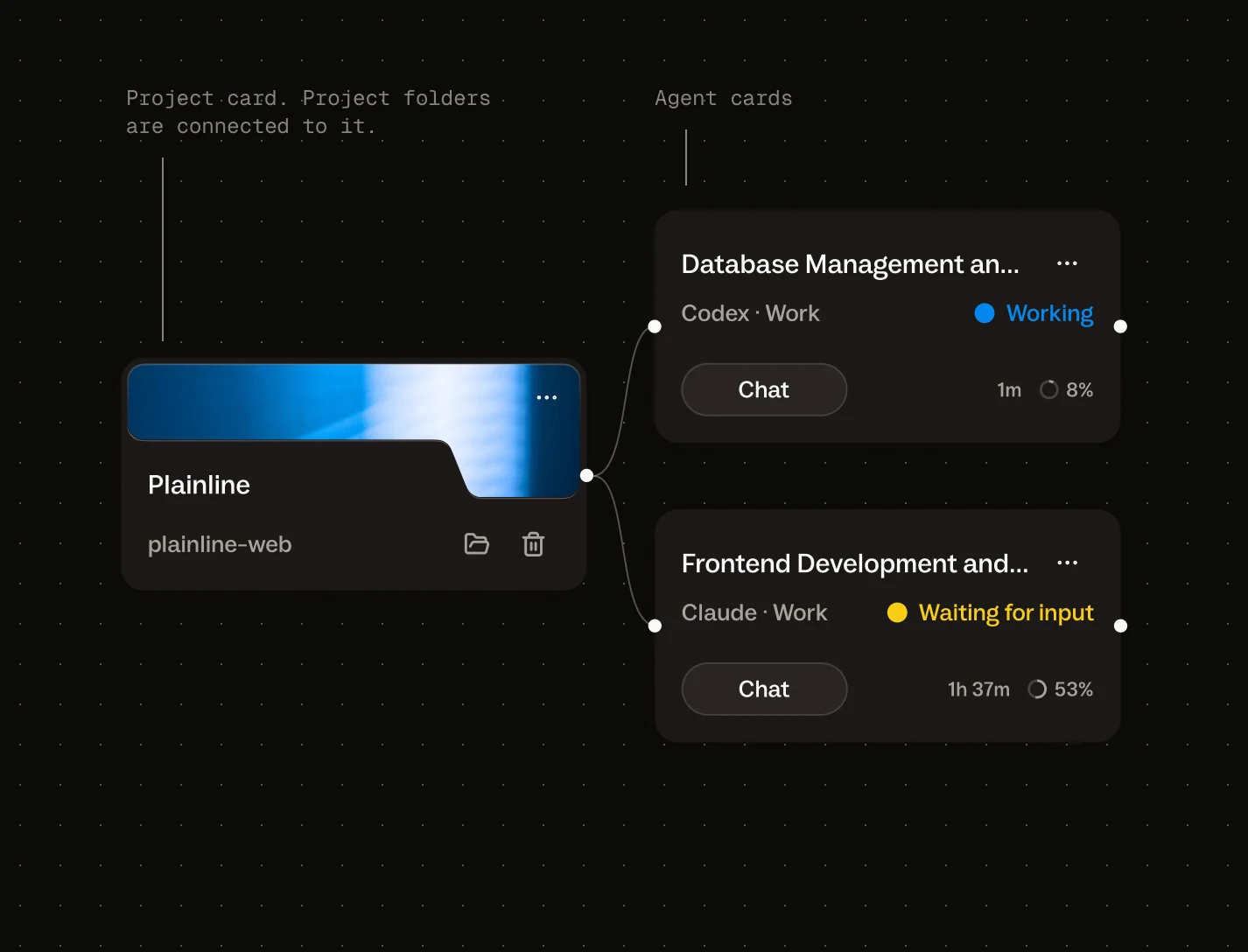
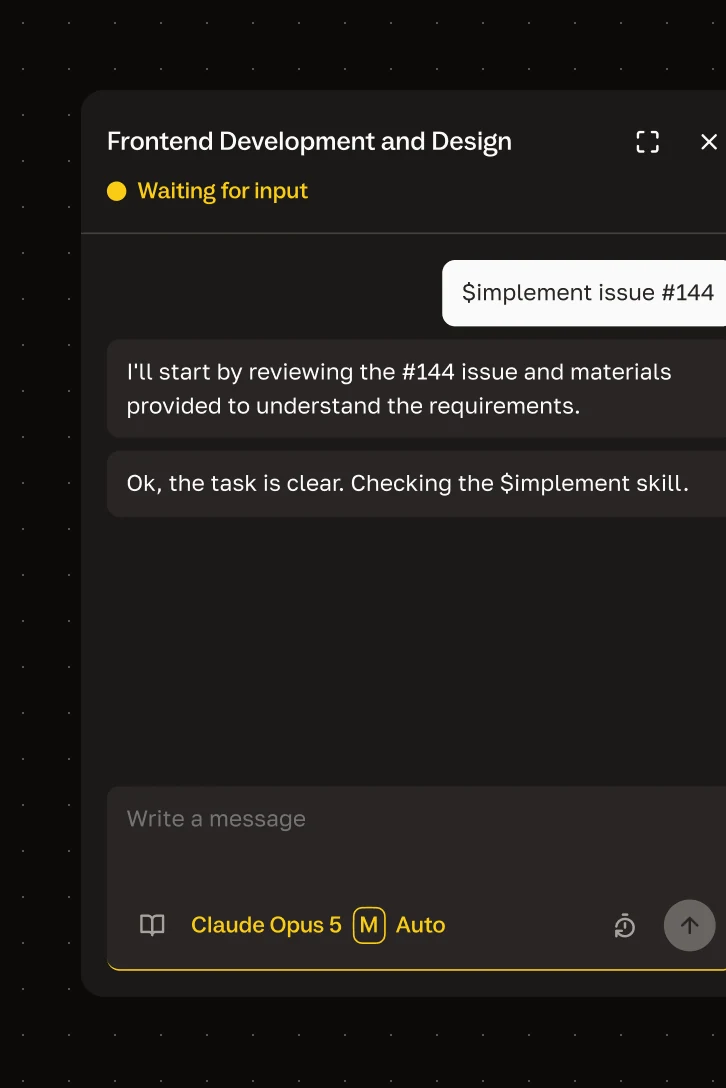
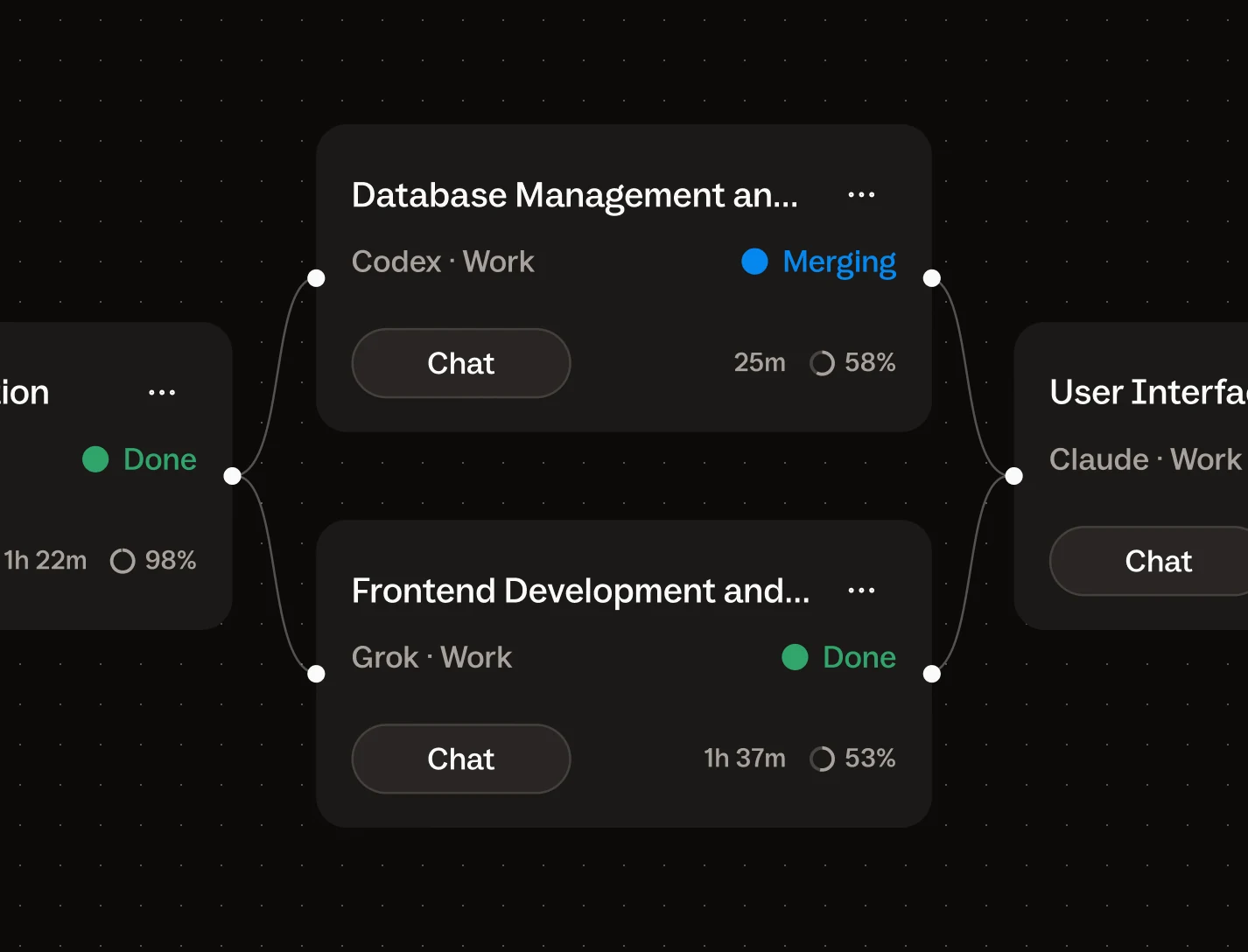
In Buzzpot, every task you give an agent gets its own card on the canvas — with its agent, mode, status, conversation, and context right there. Several projects can sit side by side.
See which agents are running and which are waiting for you. Open the conversation. Move on to the next one without hunting through terminals and IDE windows.
The whole picture lives on the screen, not in your head.
Connect tasks into workflows.
Buzzpot runs them in order.
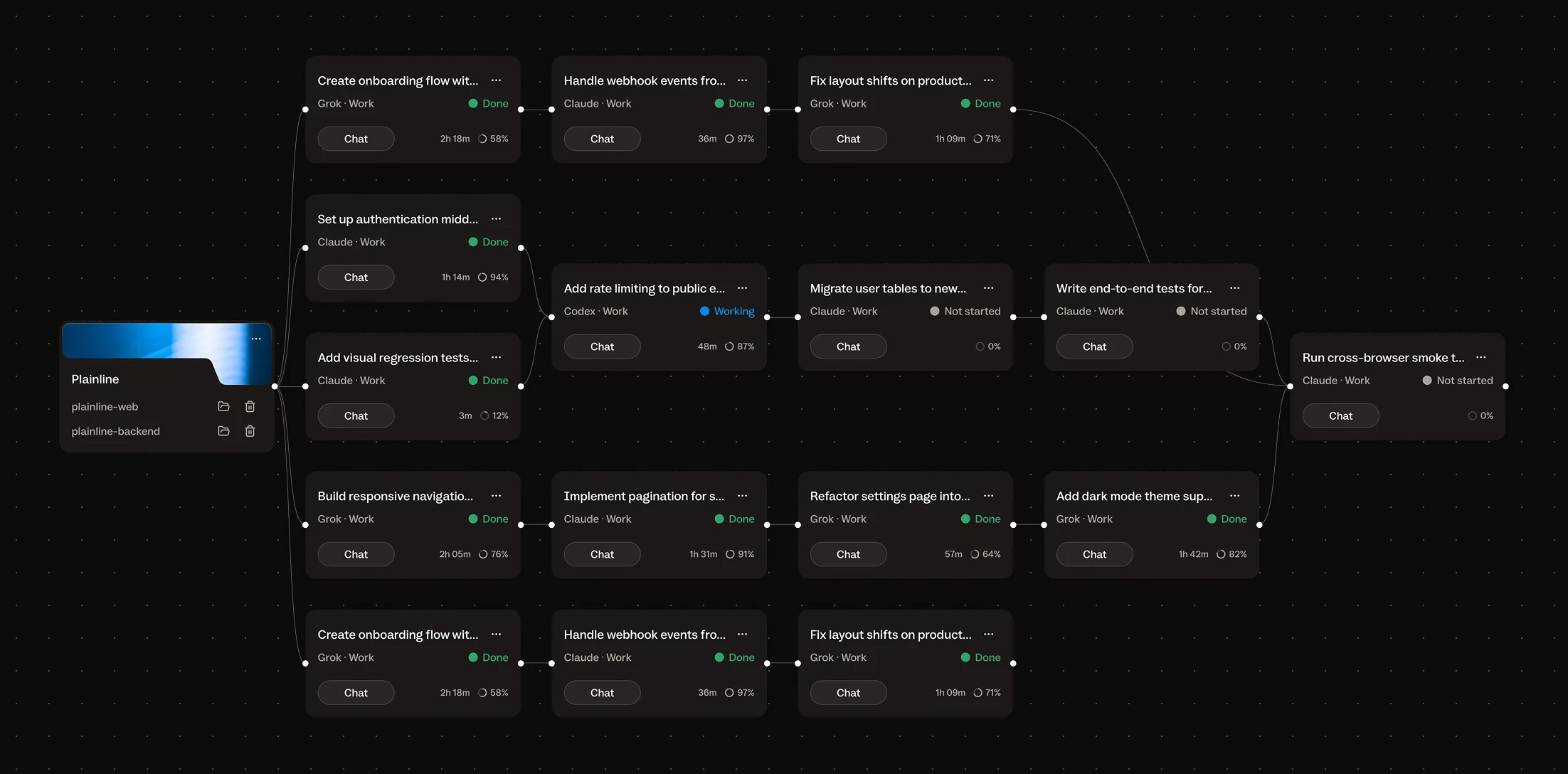
Connections between cards are real dependencies.
Research first, implementation next. Frontend and backend in parallel. Review after both. Fixes after review.
You design the workflow. Queue a message on the next card, and Buzzpot starts it once every card before it is done. There's no hidden AI orchestrator deciding how your project should be run.
It's your workflow.
Run agents in parallel without Git getting in the way.
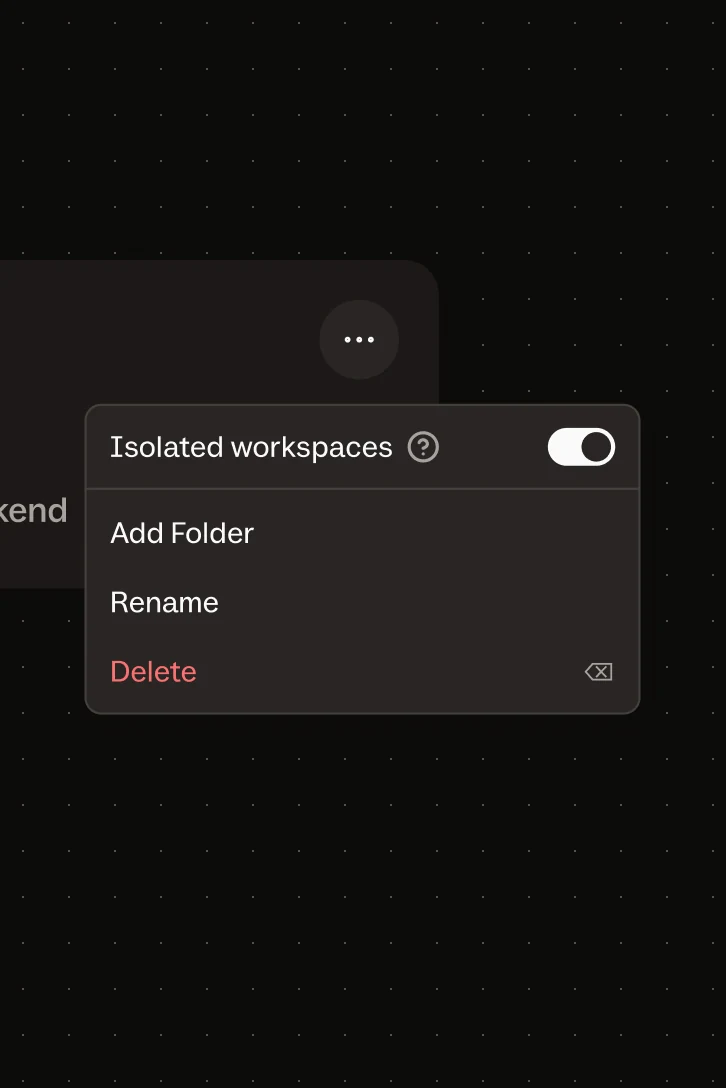
That's what Isolated workspaces are for.
Turn them on for a project, and each working task gets its own Git branch and a private copy of it. Agents can work in parallel without overwriting each other.
When the agent reports the task done, Buzzpot merges that card's work back into the project. If several cards finish around the same time, they merge one after another.
If the merge conflicts, that card's agent gets one try to resolve it. If it can't, the card stops and waits for you — cards that don't depend on it keep going.
You handle the work. Buzzpot handles the Git mechanics around it.
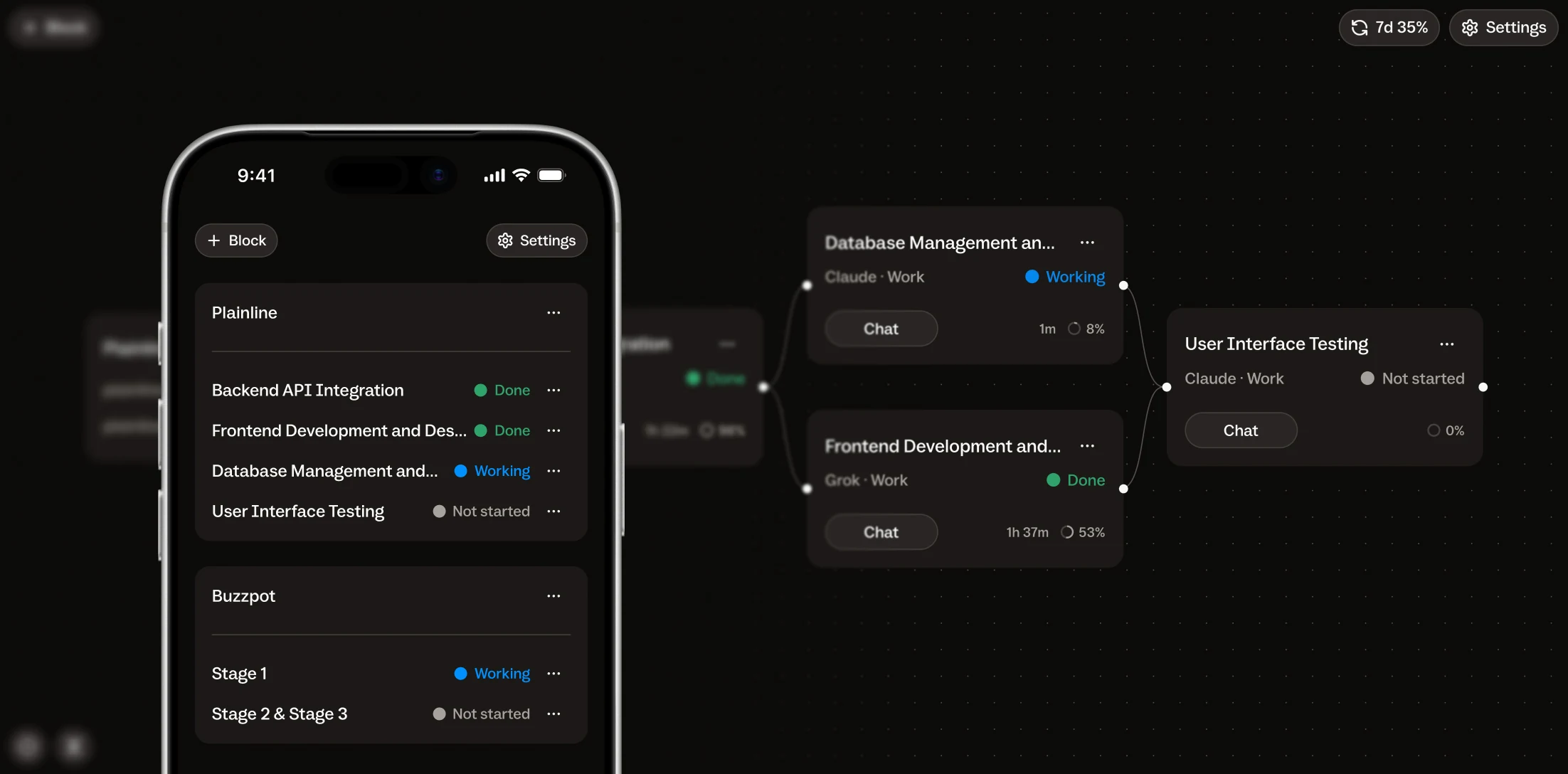
Monitor and control your agents from your phone.
Some tasks take a while. There's no reason to spend that whole time staring at the screen.
Remote control lets you check Buzzpot from your phone or another device: who's working, who's done, who's waiting for you, and what an agent has to say.
Reply when you need to and keep things moving.
Your computer does the work. Your phone becomes the remote.
Hey, I'm Nick
Like you I work with coding agents a lot.
At some point, I realized my IDE had mostly become a frame around a chat. I'd talk to an agent, inspect the result, give it the next task, then launch another agent to review the work.
Then I started running several projects and parallel tasks.
Several IDEs. Several terminals. Several long-running sessions. Implementation happening over here, review over there, another agent waiting for an answer somewhere else. Everything separate, with the overall picture living in my head.
I just wanted to see the whole thing.
Not build an autonomous factory where you say “make me an app” and go to sleep. I want to decide how the work is broken down, which model does what, what runs in parallel, and where a review belongs.
I just don't want to manually maintain everything around that process.
That's how Buzzpot started.
I built it for myself first. Now it's in beta for other people who work in a similar way.
If your coding agents have outgrown the terminal too, give Buzzpot a try.


Does Buzzpot replace Codex or Claude Code?
No. They still do the actual work. Buzzpot gives them a shared workspace and coordinates the tasks around them.
Can I use Codex and Claude Code at the same time?
Yes. Different cards can use different agents, models, and effort levels.
Does Buzzpot decide how to break down the work?
No. By default, you define the structure yourself.
But through MCP, you can ask an agent to create and connect cards on the canvas — for example, to break a spec into tasks or create follow-up work after a review.
What happens with Git when tasks run in parallel?
With Isolated workspaces on, each working task gets its own branch and copy. When the agent reports the task done, Buzzpot merges that work back into the project.
If there's a conflict, that card's agent gets one try to resolve it. If it can't, the card stops and waits for you. Cards that depend on it wait too; the rest keep going.
Do I have to use Isolated workspaces?
No. It's off by default, and agents work directly in your project folders. Turn it on per project when you want parallel tasks isolated.
Does Buzzpot work without Git?
Yes. Just without Git isolation and automatic branch integration.
Do you upload my code anywhere?
No. Your projects stay on your computer, and agents run through locally installed CLIs.
What happens if I restart Buzzpot?
Your work state is saved. Buzzpot checks unfinished operations before continuing or repeating them.
If it can't safely determine what happened, it stops and tells you.
Is Buzzpot for teams?
The first version is primarily for developers, technical founders, and indie hackers who work with multiple coding agents themselves.
Windows? Linux?
The first version is for macOS, on Apple Silicon and Intel. Other platforms may come later.
Will there be a subscription?
Not in the usual sense.
You buy Buzzpot once and get a year of updates.
When that year ends, the version you have keeps working.